

From AAF to mix-ready.
Automatically.
Drop an AAF or open a PTX session. fPost detects the content, matches your template and hands you a session that is ready to mix.
- Pro Tools 2024.3+macOS 13.5+
- Free 7-day trial
Trusted by









How it works
From AAF to mix-ready, in five steps
Step 1 · Drop the AAF
Open it. That is the whole job.
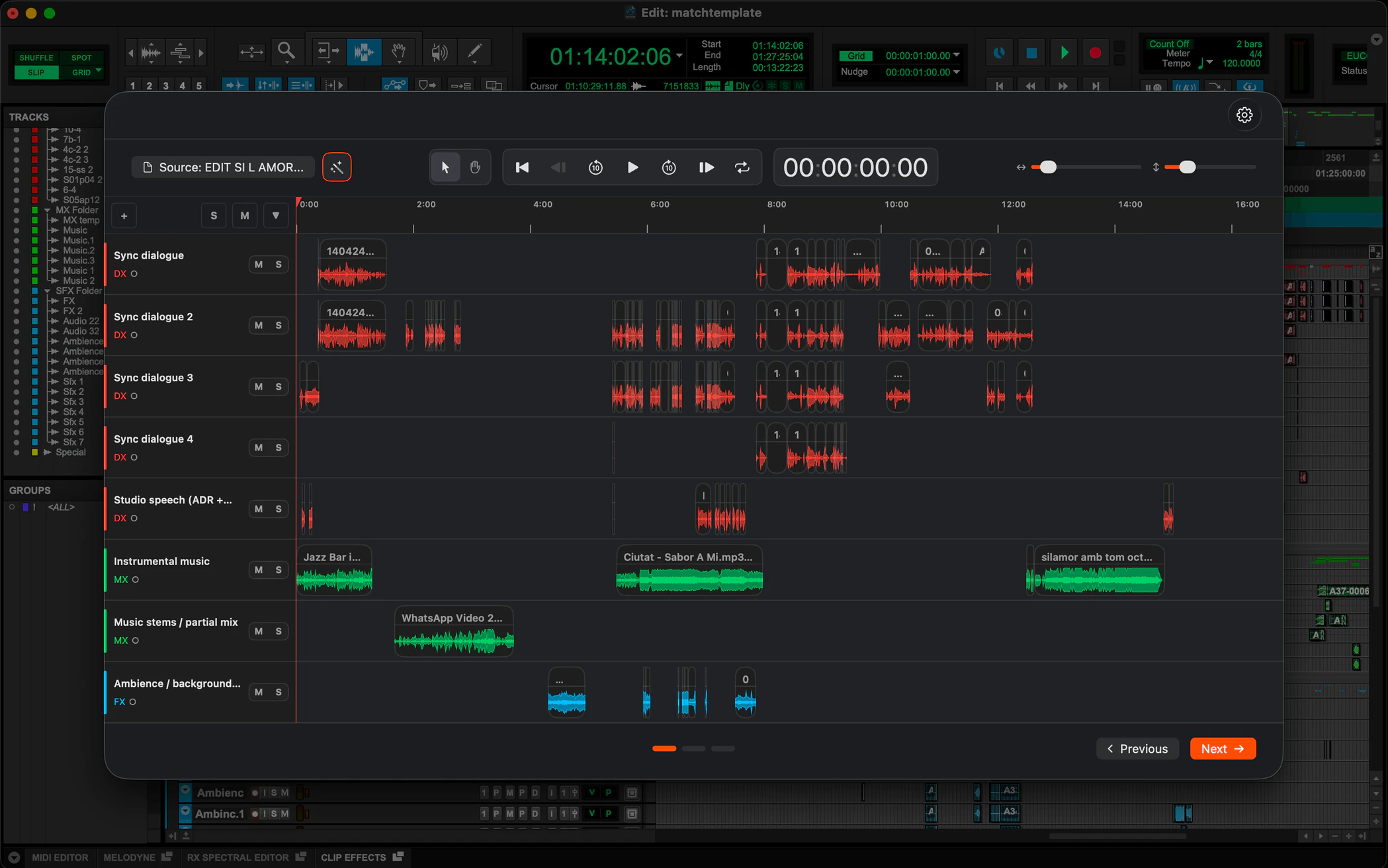
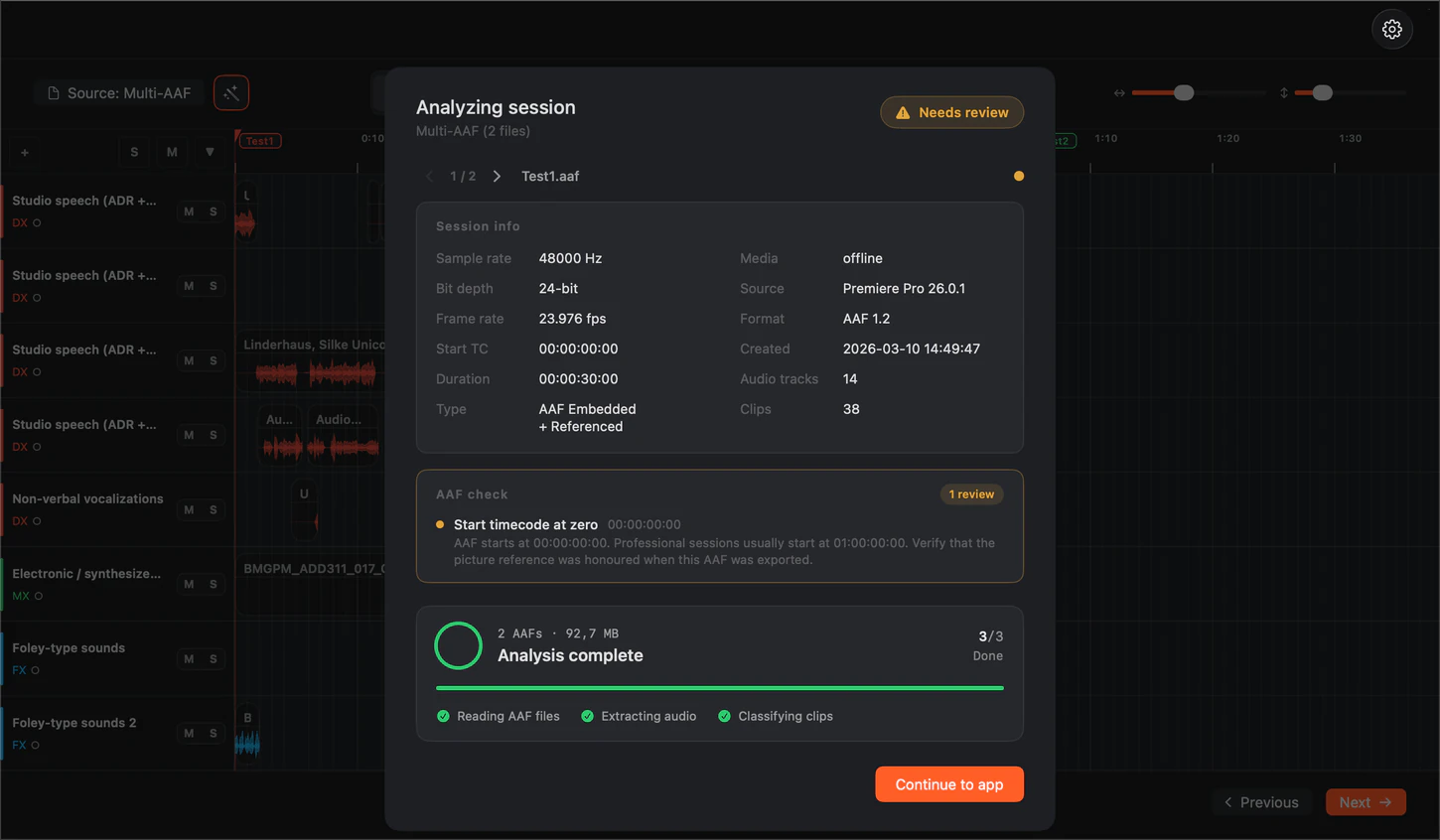
Drag in the AAF or open an existing session. fPost reads every clip, track and metadata field before anything touches your timeline.
Step 2 · Multi-AAF import
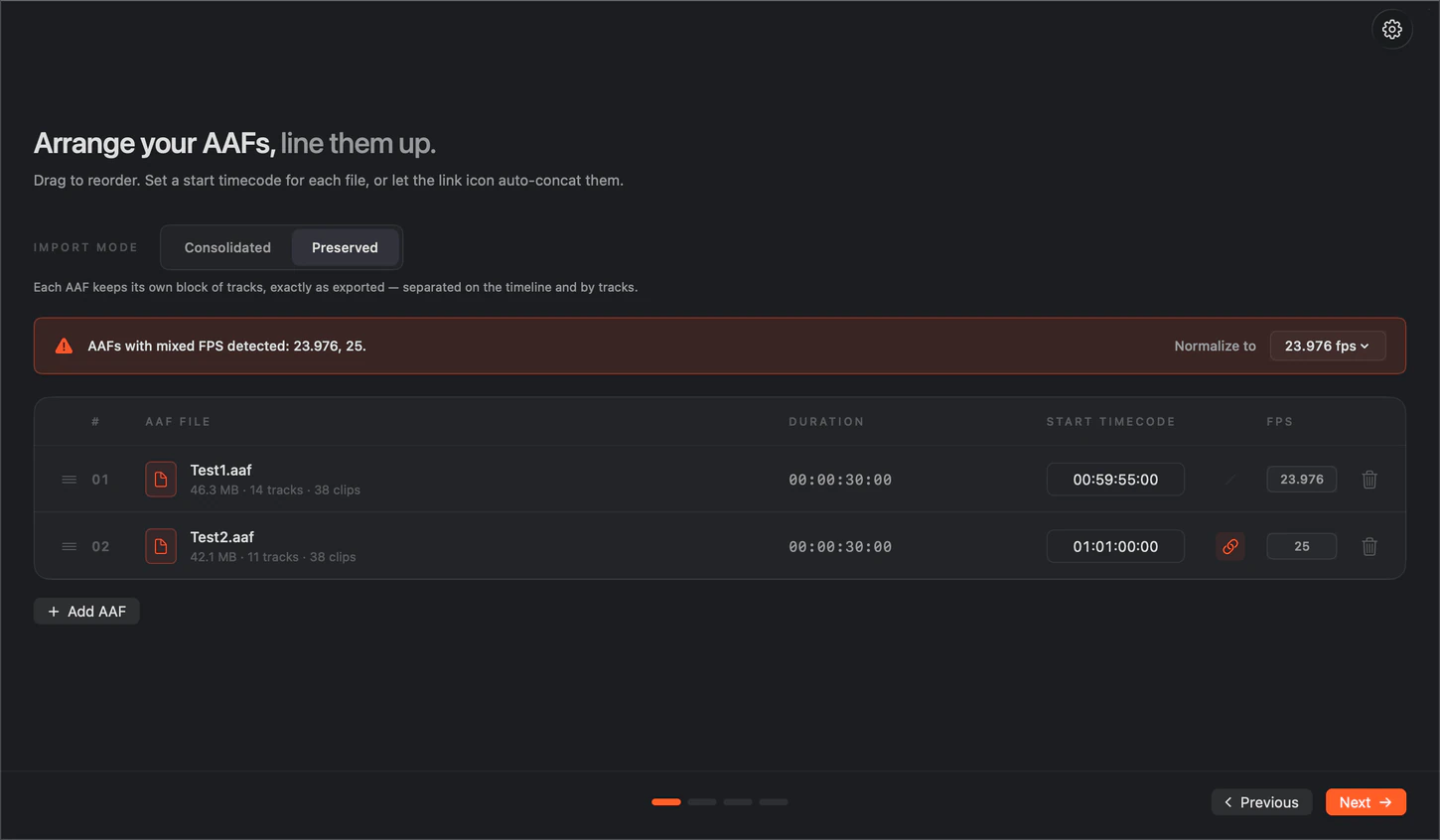
One session, as many AAFs as you need.
With Suite, import a whole turnover in one pass: set each AAF’s start timecode, and mismatched frame rates get flagged.
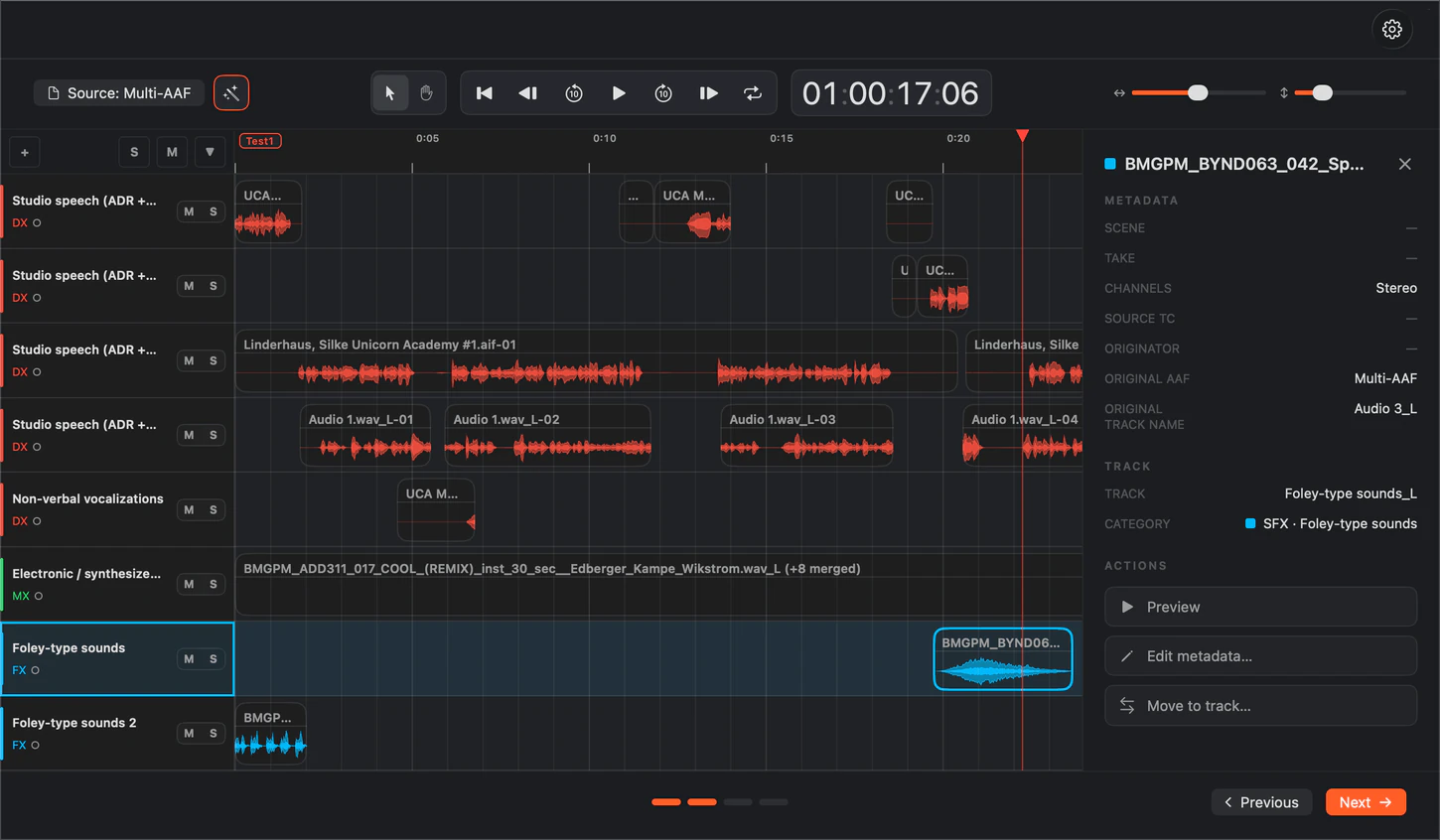
Step 3 · Recognition
AI-R classifies, your template decides.
Dialogue, music and SFX are recognized on-device and matched to your template. Review it all in the Visualizer first.
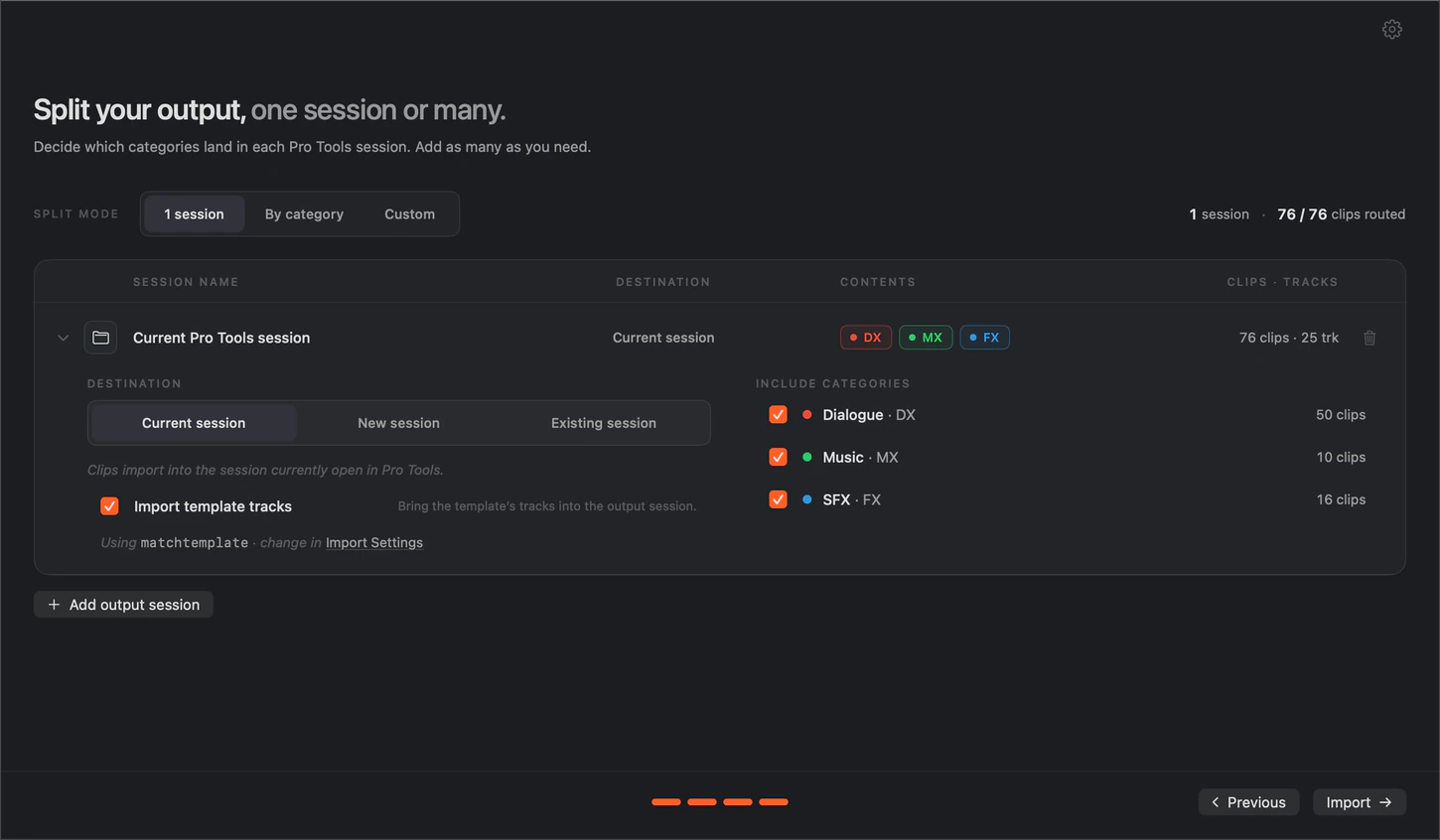
Step 4 · Split by category
One AAF in. A session per editor out.
Suite’s PTX Splitter turns one AAF into separate Pro Tools sessions: dialogue, music and effects each land in their own, named and routed to your template.
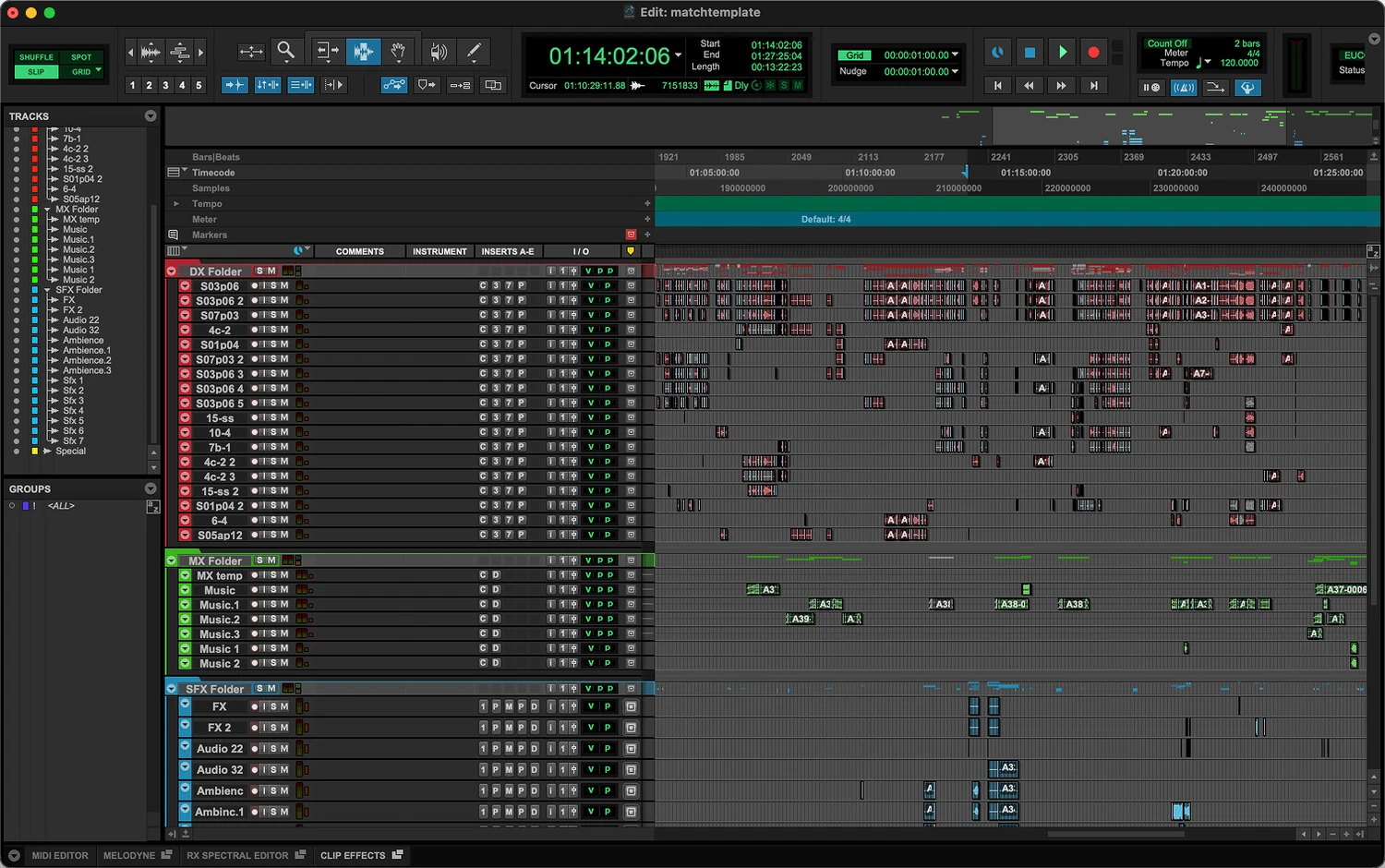
Step 5 · Mix, not prep
The session is ready when fPost is.
You get a clean session, organized the way you would have done it by hand. Zero manual edits, hours back per episode.
Hours of prep, cut from every turnover
fPost covers the whole prep chain: import, recognition, organization, naming. You open the session and mix.
AAF Import
Import one AAF or a whole batch in a single pass, from any NLE: Media Composer, DaVinci Resolve, Premiere Pro. Clips, fades, gains, automation and timecode land intact, and fPost flags what cannot survive the import before it touches your timeline.
- Clips & fades
- Gains
- Metadata
PTX Sessions
Reorganize existing Pro Tools sessions too, Media Composer ones included: not just new imports.
100% local.
Everything runs on your machine: nothing is uploaded to classify or import. Enterprise adds the Local Licensing System.
0
manual edits on import, every time
Split AAF into DX / MX / SFX
fPost splits any AAF into dedicated Dialogue, Music and SFX sessions automatically. What used to take hours of manual prep is now one click.
Metadata forensics
fPost reads every clip’s metadata: channel, scene, take, source TC, NLE origin. Anything incomplete is flagged.
Learn once. Match every job.
fPost integrates with the session template you already use. Teach it once and every import lands named, ordered and structured to match it.
- Mix template
- Structure
- Naming
- Stems
Built for the rooms where deadlines live
Post houses, freelance mixers and sound editors run fPost where turnover pressure is highest.
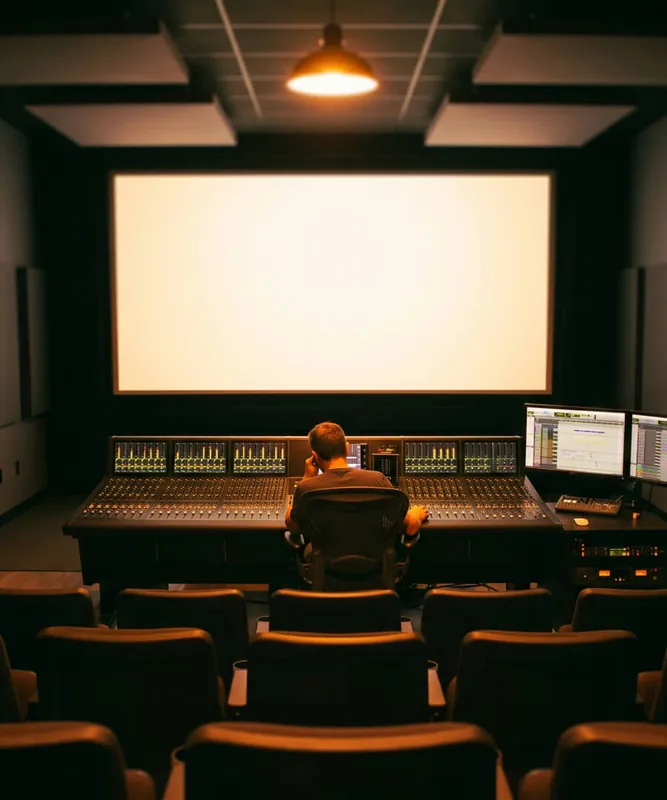
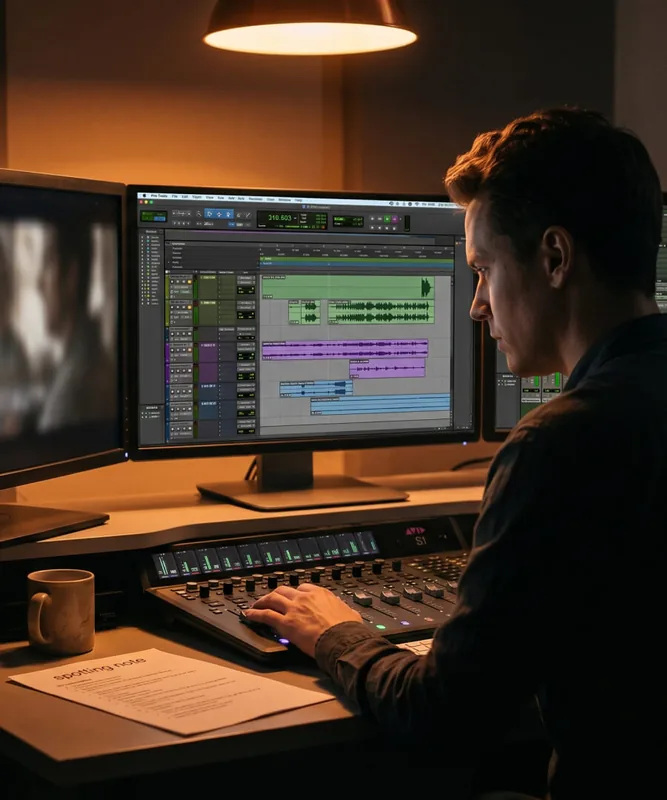
Film
Feature post
Reels in, sessions prepped to your stage template, ready for the dub.
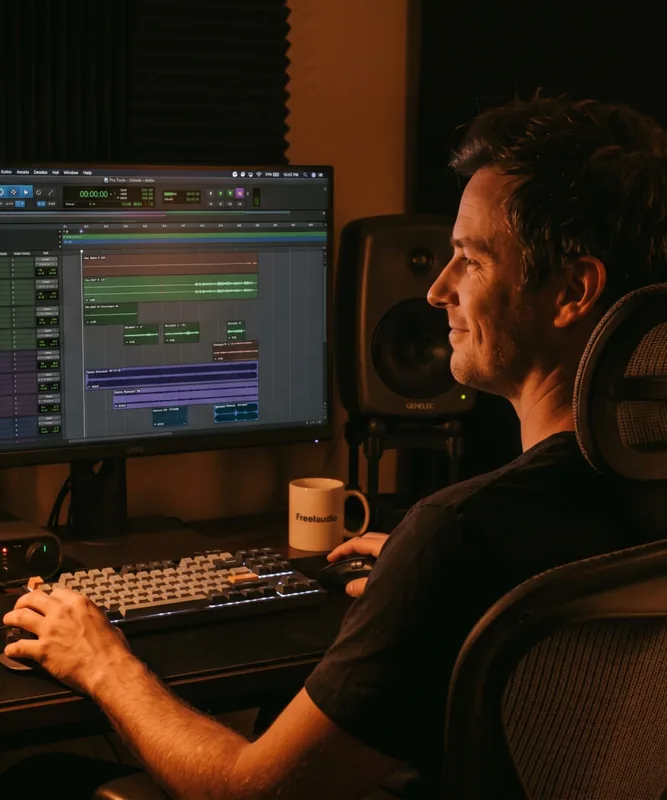
TV
Episodic & series
Same template across every episode. Naming never drifts between sessions.
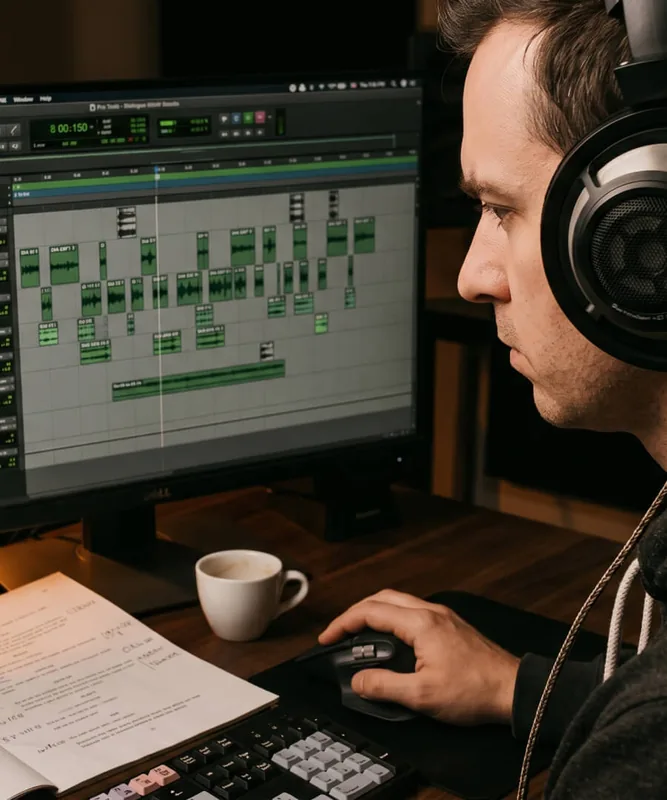
Freelance
Freelance mixers
One person, facility-grade prep. fPost does the assistant work so the whole day goes to the mix.
Editorial
Sound editors
Sessions arrive split and structured: dialogue, music and effects already separated before the edit starts.
Pricing
Pricing that pays for itself.
Free 7-day trial · no credit card needed
- Monthly
€49/month
fPost Studio
- YearlySave 50%
€24/month
billed yearly as €288
- LifetimePay once
€1,199one-time
yours forever, every update included
In Studio and Suite
Studio
For independent editors and single rooms.
- 1 seat (included)
- AAF import from Media Composer, Premiere Pro, Resolve and Pro Tools (included)
- Clips, fades, gains, automation and timecode kept intact (included)
- AI-R recognition: dialogue, music and effects (included)
- Template matching and naming (included)
- Pro Tools session reorganization, existing PTX included (included)
- Visualizer: review everything before it reaches Pro Tools (included)
- Session-level metadata (included)
- Your original AAF and media are never modified (included)
- Standard support, 48h (included)
Suite only
Suite adds
For busy rooms and small facilities.
- Priority support, 24h (Suite only, not included)
- Import multiple AAFs into one session (Suite only, not included)
- Split one AAF into DX, MX and FX sessions (Suite only, not included)
- Micro categories: sync dialogue, instrumental music, foley (Suite only, not included)
- Per-clip metadata (Suite only, not included)
- Works fully offline, air-gapped (Suite only, not included)
fPost Enterprise
Floating licenses, a license server (LLS), an SLA and volume pricing for facilities and studios at scale.
Students and educators: apply for an educational deal
Changelog
Rebuilt as a native macOS app
2.0.0
AAF timecode and import fixes
1.0.8
Category renaming and classification improvements
1.0.7
Multi-AAF sorting improvements
1.0.6
From the blog
AAF Has No Audio in Pro Tools: The Four Causes and How to Prevent Them
Two Pop, FFOA and the Hour One Start: Timecode Conventions Explained
Editing for Sound: The Cut Decisions That Reach the Mix Stage
How to Split an AAF into Dialogue, Music and Effects Sessions
Frequently asked questions
Have a question about fPost? These are the ones we hear most. If yours is missing, get in touch.
Can fPost automate Pro Tools session prep and template matching?
Yes. fPost automates Pro Tools session prep end to end: its on-device AI-R engine detects the content of each clip, matches your own Pro Tools session template, and returns a session that is named and organized, ready to mix. It works from an AAF or an existing PTX session.
Which video editors can the source AAF come from?
fPost supports AAF files exported from Avid Media Composer, Pro Tools, Adobe Premiere Pro and DaVinci Resolve. Final Cut Pro does not export AAF directly, so it is not supported natively, but a short guide shows how to convert a Final Cut export into an AAF for use with fPost.
What survives an AAF import into Pro Tools with fPost?
Everything that Pro Tools can carry in an AAF survives: fades and crossfades, automation, clip names, and supported plugins and effects are all preserved. Track folder grouping does not come across, because the AAF format does not support it. fPost preserves what is there and never alters the original files.
Will fPost change or damage my original AAF and media?
No. fPost never writes to your original AAF or media. It extracts the AAF and media information temporarily into a local folder purely to analyze it, then builds a new Pro Tools session, so your handoff files stay untouched and you can re-run an import safely.
How does fPost handle a sample-rate or frame-rate mismatch?
fPost converts the sample rate so your audio plays back at the correct pitch and speed in your session. Video frame rates are kept as they are, not changed. Matching your session to the source still avoids surprises, but a sample-rate mismatch will not silently push your audio out of sync.
What does fPost classify in Studio and Suite?
fPost Studio classifies clips into the macro categories dialogue, music and sound effects and lands them in your template. Suite adds deeper recognition down to micro categories such as sync dialogue, instrumental music and foley, plus multi-AAF import, splitting one AAF across sessions and per-clip metadata. Suite launched in July 2026.
How does fPost place clips if my source track names are inconsistent?
fPost places clips using on-device content recognition, not brittle track-name matching. The AI-R engine classifies each clip by what it actually contains and lands it in the correct folder and name within your template, so missing or inconsistent names from the editor do not break the prep.
What is the difference between fPost Studio, Suite and Enterprise?
Studio covers AAF import, session reorganization, template matching, naming, macro-category recognition and standard support. Suite adds micro-category recognition, multi-AAF import, split-across-sessions, per-clip metadata, 24-hour priority support and fully offline use. Both are one seat and sold monthly, yearly or as a Lifetime license: Studio EUR 49/month, EUR 288/year or EUR 1,199 once; Suite EUR 59/month, EUR 348/year or EUR 1,399 once. Enterprise adds floating licenses, a license server, an SLA and volume pricing.
I already have an fPost plan. Does anything change for me?
No. Your plan, its price and your renewal date stay exactly as they are. You can see them, and download fPost, in your user area.
Does fPost work offline, and is my audio private?
Your audio stays private on every plan: fPost processes everything on-device through the AI-R engine, so nothing is uploaded. Working fully offline, air-gapped rooms included, is part of fPost Suite and Suite Lifetime; Studio connects to the internet to verify your license. This suits facilities handling embargoed film and TV under NDA.
What are the system requirements for fPost?
fPost requires Pro Tools 2024.3 or later and macOS 13.5 or later. There is a single installer that runs on both Apple Silicon and Intel Macs, so you do not need to pick a build. fPost Suite also works fully offline.
Is there a free way to try fPost, and do I need a credit card?
Yes. fPost has a 7-day free trial with no credit card. It starts at your first in-product sign-in and expires on its own with no auto-charge; add a card later only to buy. Before importing, the free AAF Checker lets you confirm an AAF will import cleanly at no cost.
Try fPost now.
- Pro Tools 2024.3+macOS 13.5+
- Free 7-day trial