


AAF Checker
Check any AAF,
free.
Drag in an AAF and know whether it will import cleanly, before you commit: media links, timecode, sample rate and frame rate, validated in seconds. No account, no cost, forever.
- Any AAFNo DAW required
- macOS 13+
Trusted by









How it works
Drop the file. Read the report.
Drop
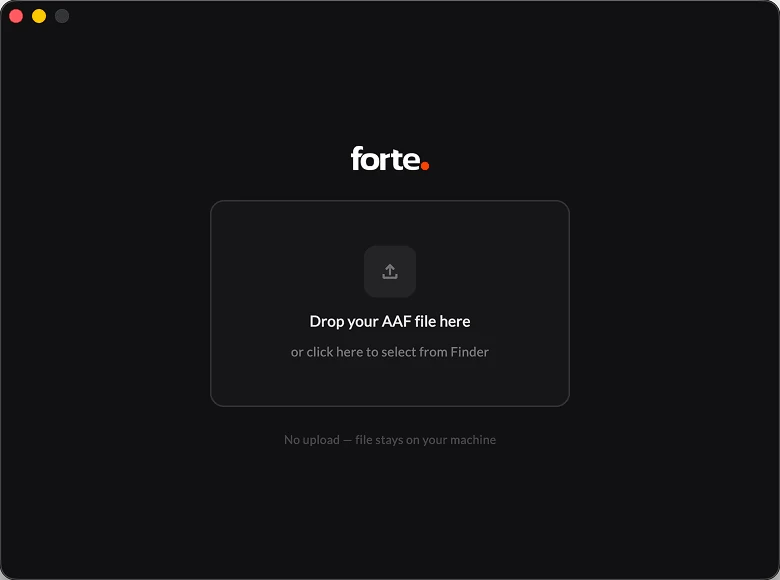
Drag it in. Done.
No account, no setup, no DAW. Open AAF Checker, drop the file, and it validates the whole AAF in seconds.
Analysis
Know it imports before you import.
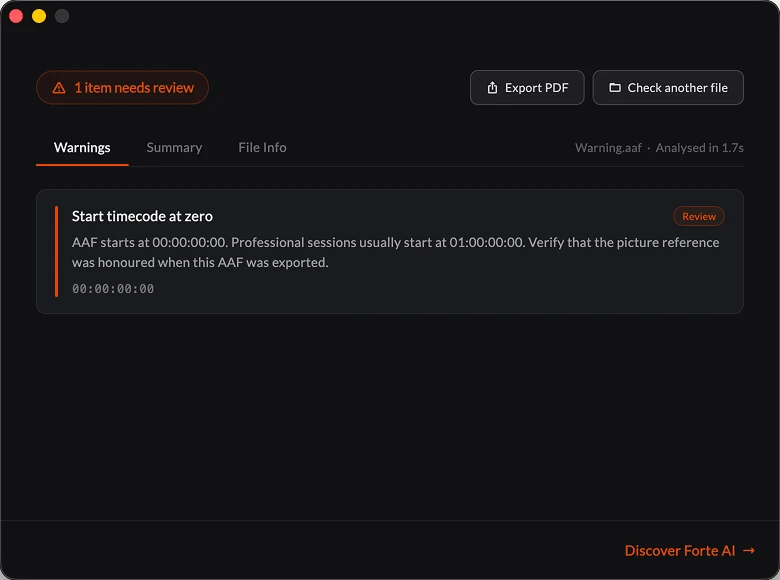
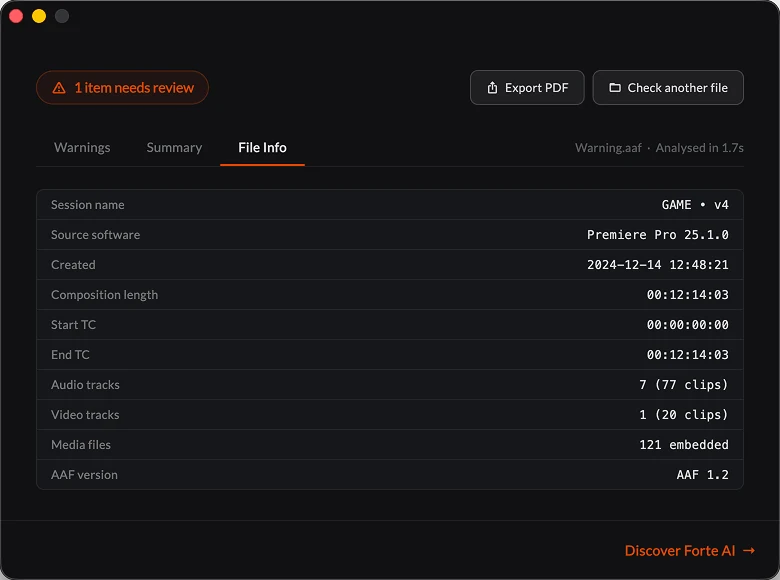
Media links, timecode, sample and frame rate: AAF Checker flags what will break the import before it costs you an afternoon.
Report
Zero surprises in the session.
You know the AAF will import cleanly before it touches your timeline. And when you want the import done for you, fPost picks up from here.
The first gate of every turnover.
“fPost handles the copy-pasting, the update chasing, the formatting and the status checks, so your crew can spend that time listening and solving real problems.”
 Ceri ThomasFounder, IMMERSV · ex Dolby, Apple
“The prep that used to eat my mornings just happens now. I open the session and it is already done.”
 Oli JacobsMix engineer · Kendrick Lamar, Sabrina Carpenter, Harry Styles
“Even with complex custom-coded automation, I still struggled in the studio. With Forte that burden is gone. Priceless.”
 Ricky DamianMix engineer · Mark Ronson, Lady Gaga, Jorja Smith
“Forte has changed everything for me when it comes to mix prep. I can't recommend it enough.”
 Emre RamazanogluProducer · David Bowie, Brian Eno, David Holmes
“Check for mono files as stereo, import them, move tracks around, color code, strip silence. Forte makes all of it quicker so you get to the good bit faster.”
 Cameron CraigMix engineer · Adele, Björk, Amy Winehouse
“Forte has become a daily part of my Pro Tools workflow. The import and batch stem export is a massive time saver.”
 Sean P. JonesMix engineer · Timbaland, J Balvin, Alessia Cara
Everything you need to trust the file
AAF Checker validates the whole file and tells you the truth about it. No account, no cost, no DAW.
Media link check
Every audio file the AAF points to, verified before you import: present, readable and properly linked. Missing or unreadable media means the import will not work — you find out now, not mid-session.
- No DAW required
- macOS 13+
Timecode & session start
Timecode and session start read and verified, so the session lands exactly where it should.
Free
no account, no cost, forever
Sample rate & frame rate
A misconfigured sample rate or frame rate is flagged as a warning before it matters.
Flags issues up front
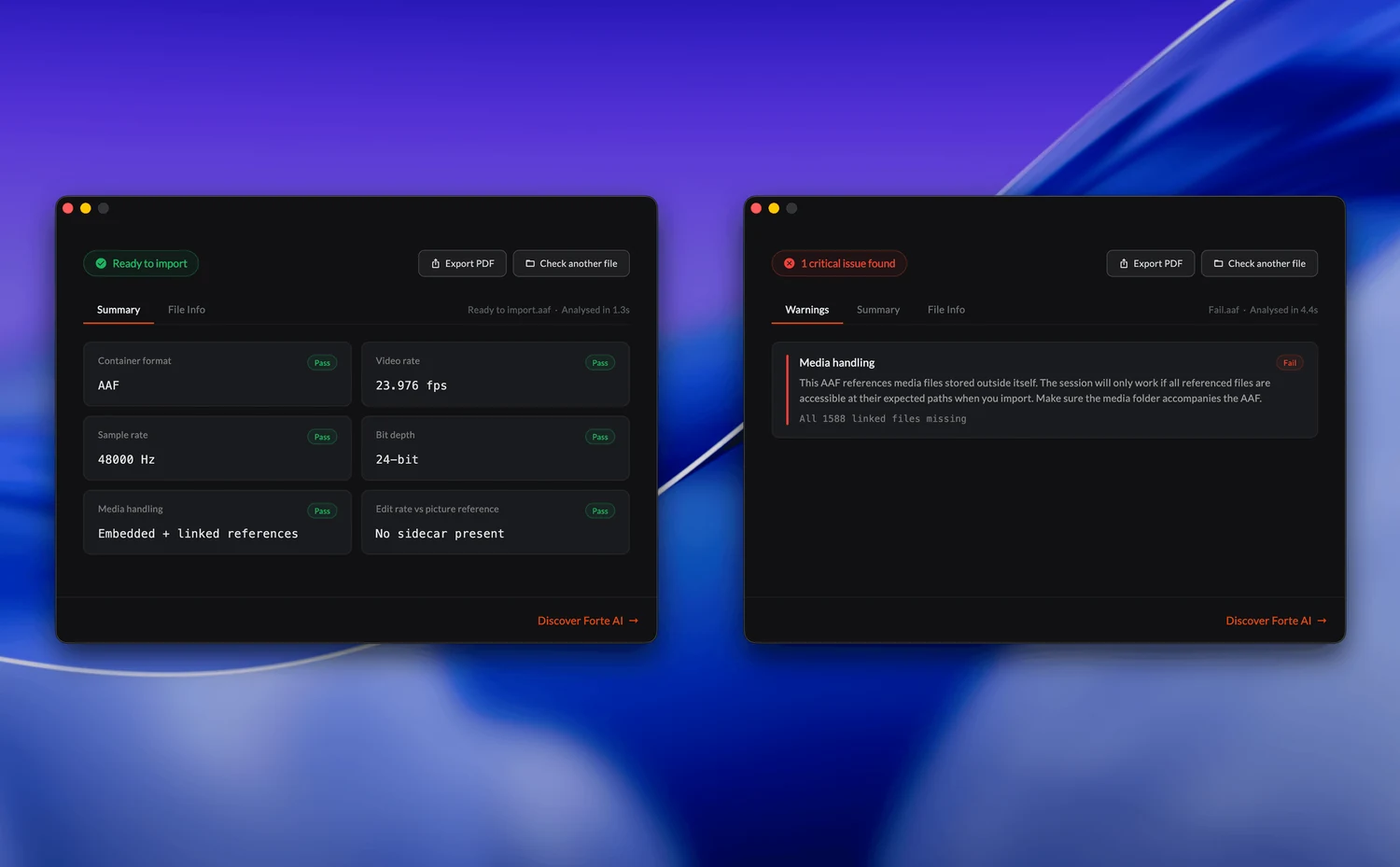
Issues are sorted into warnings a professional should review and failures that will block the import — before you import, not after.
Built on the same engine as fPost.
AAF Checker reads files with the same core that powers fPost. When you are ready to have the import done for you, the upgrade path is one step.
- Media links
- Timecode
- Sample rate
- Frame rate
For everyone who receives files they did not make
Assistant editors, dialogue editors, supervisors and facilities use AAF Checker as the first gate of every turnover.
Editorial
Assistant editors
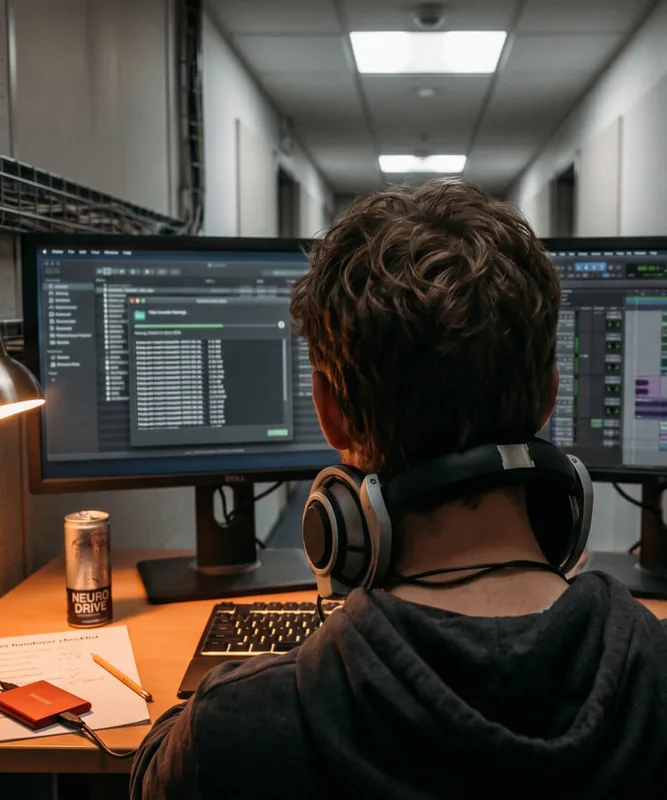
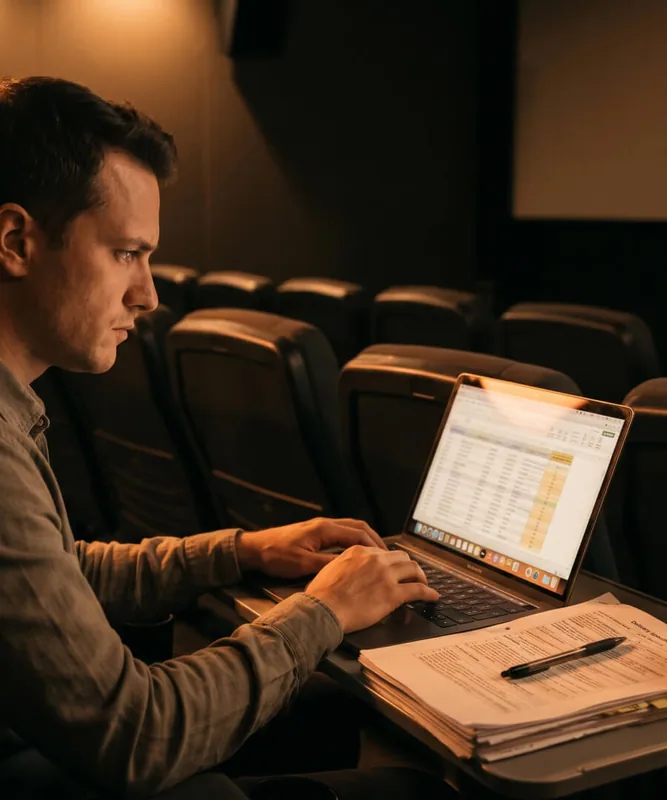
Check the turnover before it goes to the mix stage. Catch the broken AAF while there is still time to fix it.
Post
Dialogue editors
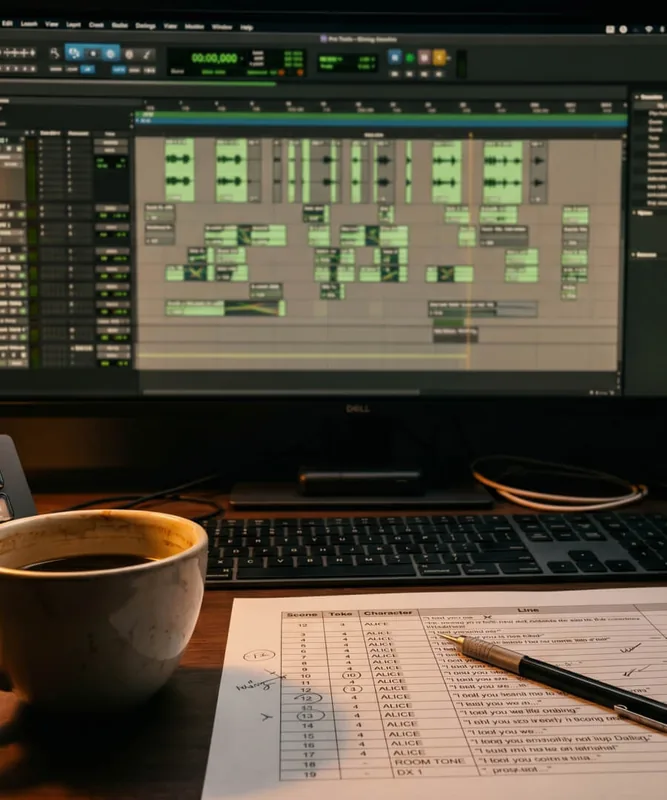
Know the turnover is properly linked and configured before the session is built. No more forensic mornings.
Supervision
Post supervisors
A free sanity check on every delivery, on any machine, no licenses to count.
Facilities
Studios & facilities
Standardize the intake: every AAF checked the same way. Then fPost does the rest.
Next step
Like what the report says?
Let fPost do the import.
Same engine, one step up: fPost takes the AAF you just checked and hands you a session that is routed, named and ready to mix.
From the blog
The Two Minute AAF Sanity Check to Run Before You Deliver
Audio Handles: What They Are For and Why Nobody Agrees on the Length
What a Sound Mixer Actually Needs From You Before You Send the AAF
AAF Checker for Video Editors: How to Ship a Clean Handoff
Frequently asked questions
Have a question about AAF Checker? These are the ones we hear most. If yours is missing, get in touch.
What is an AAF file?
An AAF (Advanced Authoring Format) file is an interchange container used to hand a project from a video editor to an audio workstation. It carries the timeline structure, audio clips and metadata, with references to the underlying media. Before importing one into Pro Tools, the free AAF Checker tells you whether it will import cleanly.
What is AAF Checker and what does it do?
AAF Checker is a free macOS app that checks an AAF before you import it. It validates the state of the file, including whether the media is properly linked and readable and whether the timecode, session start, sample rate and frame rate are configured correctly, so you know in advance whether the AAF will import without problems.
What problems does AAF Checker flag?
AAF Checker sorts issues into warnings and failures. Warnings are cases where the import will work but a professional should review them, such as a misconfigured timecode, session start time, sample rate or frame rate. A failure means the import will not work, because audio media linked to the AAF is missing or unreadable.
Does AAF Checker show the tracks, clips and fades inside the AAF?
No. AAF Checker is a pre-import quality check, not a clip-level content viewer. It reports on the integrity and configuration of the AAF, such as media links, timecode, sample rate and frame rate, rather than the contents of each track. To turn an AAF into a ready-to-mix Pro Tools session, that is fPost.
Why does my AAF import with missing or offline media in Pro Tools?
An AAF imports with missing or offline media when Pro Tools cannot locate the linked files, or when the media is unreadable. Run the AAF through AAF Checker first: it flags missing or unlinked media before you import, so you fix relink problems up front instead of discovering them mid-session.
Is AAF Checker really free, and do I need an account?
Yes. AAF Checker is free forever and needs no account; you only need an internet connection to download it. It runs on macOS and checks any AAF locally on your Mac, with nothing uploaded.
Does AAF Checker upload my file?
No. AAF Checker reads your AAF locally on your Mac. Nothing is uploaded, which matters for material under NDA or embargo where sending a file to an online service is not an option.
What does AAF Checker not do?
AAF Checker checks whether an AAF will import cleanly. It does not show clip-level contents, and it does not convert, repair or import the file. For automated import into a named, template-matched Pro Tools session, that is fPost, the paid step.
What is the difference between AAF Checker and fPost?
AAF Checker tells you, for free, whether an AAF will import cleanly and what to fix first. fPost goes further and automatically builds a mix-ready Pro Tools session from the AAF, named and matched to your template. fPost will also fold AAF Checker’s import-readiness reports in directly in an upcoming release.
Try AAF Checker now.
- Any AAFNo DAW required
- macOS 13+